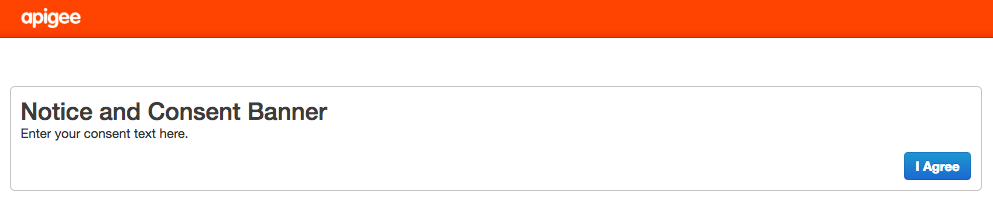
You can display a consent banner when a user first accesses the Edge UI. The consent banner
displays HTML-formatted text and a button that the user selects to proceed to the log in screen.
For example:
To add a consent banner:
Open the ui.properties file
in an editor. If the file does not exist, create it:: > vi
/opt/apigee/customer/application/ui.properties
Set the following properties: # Enable the consent
banner:
[[["Easy to understand","easyToUnderstand","thumb-up"],["Solved my problem","solvedMyProblem","thumb-up"],["Other","otherUp","thumb-up"]],[["Missing the information I need","missingTheInformationINeed","thumb-down"],["Too complicated / too many steps","tooComplicatedTooManySteps","thumb-down"],["Out of date","outOfDate","thumb-down"],["Samples / code issue","samplesCodeIssue","thumb-down"],["Other","otherDown","thumb-down"]],["Last updated 2026-10-16 UTC."],[],[]]